






Your photography speaks for itself, but only when people actually see it. If your best images are trapped on Instagram or scattered across a Facebook page you don't fully control, you're leaving bookings on the table. A dedicated photography studio website is the single most effective sales tool a Singapore photographer can invest in.
We have worked with portrait studios, wedding photographers, and commercial agencies across Singapore, and the pattern is consistent: studios that invest in a properly designed website see a measurable jump in enquiries, higher-value bookings, and stronger brand perception. The reason is simple. A website you own gives you total control over how your work is presented, how clients navigate your portfolio, and how they take the next step to hire you.
This guide covers everything you need to know about building a photographer website in Singapore that looks stunning, loads fast, ranks well on Google, and actually converts visitors into paying clients.
Key Takeaways
- 1 Why photographers need a professional website Jump to this section
- 2 What makes a great photography website Jump to this section
- 3 Essential pages and features Jump to this section
- 4 Image optimisation without quality loss Jump to this section
- 5 SEO for photography businesses Jump to this section
Why photographers need a professional website
Social media is great for discovery, but it is a terrible portfolio. Instagram compresses your images, limits how you organise them, and buries your best work under an ever-scrolling feed. You have no control over the algorithm, no way to guide the viewer's journey, and no mechanism to capture leads beyond a single "link in bio."
A professional website changes the equation entirely. Here is what it gives you that social media cannot:
- Full creative control: You decide the layout, the sequence, the image sizes, and the story each gallery tells. No cropping to square thumbnails, no algorithmic reordering.
- A complete booking journey: From the moment someone lands on your homepage to the moment they submit an enquiry, every step is intentional. You can present packages, answer common questions, show testimonials, and guide them toward a specific action.
- SEO visibility: Instagram posts do not rank on Google. A well-optimised website does. When someone searches "wedding photographer Singapore" or "corporate headshot studio near me," your website is what appears in the results.
- Platform independence: Social platforms change their rules constantly. Organic reach on Facebook has collapsed. TikTok may face regulatory pressure. Your website is the one digital asset you truly own.
- Professional credibility: Clients paying S$3,000 to S$10,000 for a wedding shoot expect to see a polished, professional online presence. A well-designed website signals that you take your craft (and their investment) seriously.
Think of your website as your best salesperson. It works 24/7, never takes a day off, and presents your portfolio exactly the way you intend, every single time.
What makes a great photography website
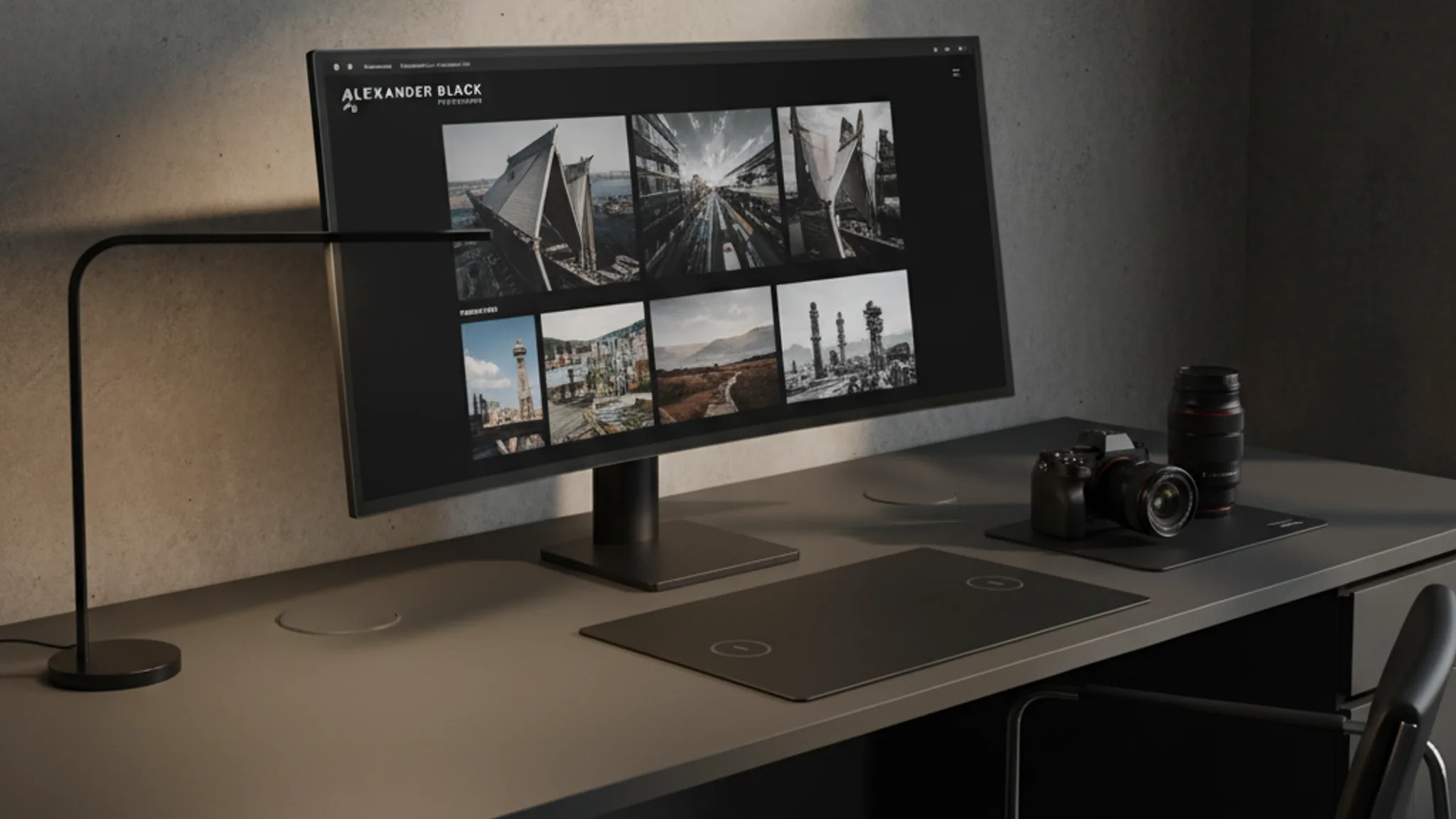
Photography websites have a unique design challenge: the images are the content. Everything else (navigation, typography, layout, colour) needs to support the visuals without competing with them. The best photography portfolio website designs follow a few core principles.
Minimal design that lets the work breathe. White space is your best friend. Avoid cluttered layouts, decorative backgrounds, or heavy branding elements that pull attention away from the photographs. The interface should feel almost invisible, like flipping through a beautifully printed photo book.
Fast loading despite high-resolution images. This is the technical balancing act. Visitors expect crisp, full-screen images, but each unoptimised photo can weigh 3 to 8 MB. A gallery of twenty images could take over a minute to load on a mobile connection. We will cover the technical solutions in the image optimisation section below, but the design needs to account for this from the start (progressive loading, thumbnail-first grids, lazy-loaded lightboxes).
A gallery experience that works beautifully on mobile. Over 70% of web traffic in Singapore is mobile. Your galleries need to be touch-friendly, with swipe navigation, pinch-to-zoom capability, and layouts that adapt fluidly between phone, tablet, and desktop screens. A gallery that only looks good on a 27-inch monitor is a gallery most people will never properly see.
Clean, intuitive navigation. Visitors should be able to find your wedding portfolio, your pricing, and your contact form within two clicks. Avoid clever menu labels. "Weddings" is better than "Love Stories." "Pricing" is better than "Investment." Clarity always wins over creativity in navigation. For more on this, see our guide on UX design principles that drive conversions.
Consistent visual identity. Your website should feel like an extension of your photographic style. If you shoot moody, editorial work, the site should reflect that through darker tones and cinematic layouts. If your style is bright and airy, the website should match. This consistency reinforces your brand and attracts the right type of client.
Essential pages and features
Every photography studio website needs a core set of pages. Miss any of these and you create friction in the client journey, which means fewer bookings.
Homepage with a hero gallery. Your homepage is your first impression, so lead with your strongest work. A curated hero slideshow or a full-screen featured image immediately establishes your skill level and style. Keep text minimal here. Let the images do the talking, with a clear call-to-action ("View Portfolio" or "Book a Session") visible above the fold.
Portfolio organised by category. Do not dump every image into one giant gallery. Segment your work into clear categories that match what clients are searching for:
- Wedding and pre-wedding photography
- Corporate headshots and events
- Product and food photography
- Family and newborn portraits
- Commercial and editorial
Each category should have its own dedicated page with 15 to 30 of your best images. Quality over quantity, always. A portfolio of 20 stunning images outperforms a portfolio of 200 mediocre ones.
About page with your story. Clients hire photographers they connect with, especially for personal shoots like weddings and family portraits. Share your background, your philosophy, your approach to working with clients. Include a professional photo of yourself. People want to know who they will be spending hours with on one of the most important days of their lives.
Pricing or packages page. This is one of the most debated topics among photographers. Should you show pricing? In our experience, yes. Clients in Singapore expect transparency. You do not need to list every line item, but providing starting prices or package tiers (e.g., "Wedding packages from S$3,500") filters out tyre-kickers and attracts serious enquiries. Studios that add a pricing page consistently see a higher quality of leads.
Booking and contact page. Make it effortless to reach you. A clean contact form with fields for event type, preferred date, and a brief description of their needs is ideal. Include your WhatsApp number (this is Singapore, after all), email address, and studio location if applicable. The faster someone can reach you, the more likely they are to book.
Blog. A blog is your secret weapon for SEO. Write about recent shoots, share tips for clients preparing for a session, or discuss venue recommendations. Each blog post is a new opportunity to rank for long-tail keywords like "best pre-wedding photo locations Singapore" or "what to wear for corporate headshots." Read more about writing website copy that converts.
Testimonials and reviews. Social proof is powerful. Feature testimonials from happy clients alongside the images from their shoot. Video testimonials are even more impactful. Link to your Google reviews to build additional trust.
Client gallery and proofing portal. A password-protected client gallery where clients can view, select, and download their images elevates the entire experience. It also keeps clients on your website (rather than sending them to a third-party platform), reinforcing your brand at every touchpoint.
Image optimisation without quality loss
This is where many photography websites fall apart. Photographers (understandably) want their images to look perfect. But uploading full-resolution, uncompressed files is a guaranteed way to tank your site speed, your search rankings, and your visitor experience.
The good news: modern image optimisation techniques let you deliver visually stunning images at a fraction of the file size. Here is the technical playbook we use for every photography site we build.
WebP and AVIF formats. These next-generation formats deliver 25 to 50% smaller file sizes compared to JPEG at equivalent visual quality. Every modern browser supports WebP, and AVIF support is growing rapidly. We typically serve WebP as the default with JPEG as a fallback for older browsers. For a deeper look at performance, see our guide on Core Web Vitals for Singapore websites.
Responsive images with srcset. Serve different image sizes based on the visitor's screen. A mobile user on a 390px-wide iPhone does not need a 3000px-wide image. Using the HTML srcset attribute, you can deliver the appropriately sized image automatically, saving bandwidth and dramatically improving load times on mobile.
Lazy loading. Only load images as they scroll into view. For a gallery page with 30 images, this means the browser initially loads just the first few visible images, then progressively loads the rest as the visitor scrolls. This technique alone can reduce initial page load time by 50% or more on image-heavy pages.
Progressive loading and blur-up technique. Show a tiny, blurred placeholder (often just 20 to 40 pixels wide) while the full image loads. This gives visitors an immediate sense of the image content and eliminates the jarring experience of images popping in one by one. It feels polished and intentional.
CDN delivery. Serve your images from a Content Delivery Network with edge locations close to your audience. For a Singapore-based studio, a CDN with nodes in Singapore and the broader Asia-Pacific region ensures your images load quickly for local visitors and international clients alike.
Smart compression. The sweet spot for web photography is typically 80 to 85% JPEG quality or equivalent WebP settings. At this level, the difference from a 100% quality original is virtually invisible to the human eye, but file sizes are 60 to 70% smaller. For portfolio hero images that need to look absolutely pristine, you can push to 90% quality; for thumbnails and grid images, 75% is more than sufficient.
When done correctly, a gallery page with 20 high-quality images can load in under 3 seconds on a 4G connection. Without optimisation, that same page might take 15 to 20 seconds. The difference in bounce rate is enormous.
SEO for photography businesses
Most photographers focus on visual quality and ignore search engine optimisation. That is a missed opportunity. SEO is how new clients find you when they are actively looking for a photographer, which makes it one of the highest-converting traffic sources available.
Image SEO is your competitive advantage. Google Images drives a significant portion of traffic to photography websites. To capitalise on this:
- Use descriptive file names:
wedding-photography-marina-bay-sands-singapore.webpis far better thanIMG_4832.webp - Write detailed alt text for every image: "Bride and groom first dance at Marina Bay Sands ballroom, captured by [Studio Name]"
- Add structured data markup using the Schema.org Photograph type to help Google understand and feature your images
- Include captions where appropriate, as Google uses surrounding text to understand image context
Local SEO is critical. Photography is an inherently local business. Most of your clients will come from Singapore and the surrounding region. Optimising for local search means:
- Including your location naturally throughout your site content ("our studio in Tanjong Pagar" rather than just "our studio")
- Creating location-specific portfolio pages if you shoot at popular venues
- Building citations on local directories (SgBrides, WeddingVow, Asia Wedding Network)
- Targeting long-tail keywords like "pre-wedding photographer Sentosa," "corporate headshot studio CBD Singapore," or "newborn photography Bukit Timah"
For a comprehensive local SEO strategy, read our Local SEO Singapore guide.
Google Business Profile. This is non-negotiable for any photography studio with a physical location or service area. A fully optimised Google Business Profile with photos, reviews, business hours, and regular posts can drive significant traffic and enquiries. See our detailed walkthrough on setting up your Google Business Profile in Singapore.
Blog content for long-tail traffic. Publishing regular blog posts about recent shoots, venue guides, styling tips, and photography advice creates a steady stream of organic traffic. Each post targets specific keywords that your ideal clients are searching for. A single well-written blog post about "best pre-wedding photo spots in Singapore" can drive traffic for years. If SEO feels overwhelming, our SEO services can handle the strategy and execution for you.
Recommended reads
How much does a photography website cost in Singapore?
The cost of a photography studio website in Singapore depends on the scope, features, and level of customisation. Here is a realistic breakdown based on current market rates.
S$3,000 to S$5,000: Professional starter. A clean, responsive website with 5 to 7 pages, a gallery system with category organisation, contact form, basic SEO setup, and mobile optimisation. This is suitable for solo photographers or small studios who need a polished online presence without complex features.
S$5,000 to S$8,000: Full-featured portfolio. Everything in the starter tier, plus advanced gallery features (lightbox, filtering, before/after sliders), client proofing portal, blog functionality, booking integration, detailed SEO strategy, and performance optimisation. This is the sweet spot for established studios that want their website to actively generate leads.
S$8,000 to S$12,000+: Premium custom build. A fully bespoke design with custom animations, video integration, e-commerce (for prints or digital downloads), multi-language support, advanced booking systems with calendar integration, and ongoing SEO and content strategy. This suits high-end studios and agencies that want a website that doubles as a brand statement.
Key factors that influence cost:
- Number of gallery categories and images: more categories means more pages to design and optimise
- Client proofing features: password-protected galleries with download and selection tools add development complexity
- E-commerce functionality: selling prints, albums, or digital packages requires payment integration
- Custom animations and interactions: scroll-driven effects, parallax galleries, and cinematic transitions require more development time
- SEO and content: a website with a comprehensive SEO strategy and professionally written copy costs more but delivers a significantly higher return
For a detailed breakdown of website pricing across industries, see our guide on how much a website costs in Singapore.
Our advice: invest in quality. A S$5,000 website that generates ten bookings a month pays for itself many times over. A S$1,500 template site that looks generic and loads slowly can actually cost you money by turning away potential clients.
Common mistakes photographers make with their websites
After reviewing hundreds of photography websites, we see the same mistakes repeated over and over. Avoid these and you will be ahead of 80% of your competitors.
Slow-loading galleries. This is the number one killer. Uploading uncompressed, full-resolution images directly from Lightroom is a recipe for a website that takes 10+ seconds to load. Every second of delay increases your bounce rate by roughly 10%. Optimise every single image before it goes on your site.
Too many images in one gallery. More is not better. Curate ruthlessly. Show 15 to 25 of your absolute best images per category. A gallery with 300 images overwhelms visitors and dilutes the impact of your strongest work. If a client wants to see more, they can request a full portfolio during the enquiry.
No clear call-to-action. Beautiful images without a clear next step is a wasted opportunity. Every page should guide the visitor toward an action: "View Wedding Portfolio," "Check Availability," "Get a Quote." If someone loves your work but cannot figure out how to hire you within 10 seconds, you have a problem.
Ignoring SEO entirely. "My work speaks for itself" is not an SEO strategy. Without proper optimisation, your website is essentially invisible to anyone who does not already know your name. Image alt text, meta descriptions, structured data, and keyword-focused content are not optional; they are the foundation of being found online.
No pricing information. The fear of scaring people away with prices actually scares away your best leads. Serious clients with a real budget appreciate transparency. Tyre-kickers who would never pay your rates waste your time with enquiries that go nowhere. Starting prices or package ranges filter for quality.
No blog or content strategy. A website with only portfolio pages has a limited SEO ceiling. Blog content creates dozens of additional entry points from Google, builds authority, and gives you material to share on social media. Even one post per month makes a meaningful difference over time.
Heavy JavaScript and Flash-era design. We still see photography websites built with heavy JavaScript frameworks that disable right-click (which annoys users and does not actually prevent image theft), auto-play music (please, no), or require specific browser plugins. Keep it simple, fast, and standards-based. Modern HTML and CSS can create stunning visual experiences without the bloat.
Converting visitors into bookings
A beautiful portfolio gets attention. A well-designed conversion strategy turns that attention into revenue. Here is how the best photography websites in Singapore close the gap between "I love this work" and "I want to book."
Strategic enquiry forms. Your contact form should do more than collect a name and email. Ask for the event type, preferred date, venue (if known), and a brief description of what they are looking for. This qualifies the lead before you even respond, saving time for both parties and allowing you to personalise your reply.
Availability indicators. If you are a wedding photographer, showing which weekends are still available is a powerful motivator. Scarcity drives action. A simple availability calendar or a note like "limited dates remaining for October 2026" creates urgency without being pushy.
Package comparison tables. Present your packages side by side with clear feature breakdowns. Make it easy for clients to compare and choose. Highlight your most popular or recommended package. This reduces decision paralysis and nudges visitors toward the option that works best for most clients.
Social proof at every touchpoint. Do not confine testimonials to a single page. Sprinkle client quotes throughout your site: on the homepage, within portfolio galleries, on the pricing page, and near the contact form. A testimonial placed next to your booking form ("Terris made us feel so comfortable on our wedding day") can be the final push someone needs to submit an enquiry.
Mini-sessions as an entry point. Not every visitor is ready to commit to a S$5,000 wedding package. Offering a lower-commitment option, like a 30-minute portrait mini-session at S$350 to S$500, brings new clients into your ecosystem. Once they experience the quality of your work firsthand, upselling to larger packages becomes natural.
WhatsApp integration. In Singapore, WhatsApp is the default communication channel. A floating WhatsApp button that lets visitors message you instantly reduces friction dramatically. We have seen studios increase their enquiry rate by 30 to 40% simply by adding a WhatsApp widget to their site. Your website should make it as easy as possible to start a conversation.
Speed and mobile performance. This is a conversion factor that is easy to overlook. If your site takes more than 3 seconds to load on mobile, you are losing visitors before they even see your work. A fast, smooth mobile experience is not a luxury; it is a requirement. Read about how we approach web design for Singapore businesses.
Do I need a custom website, or can I use a template?
Templates (Squarespace, Wix, WordPress themes) can work for photographers just starting out who need something online quickly. However, they come with limitations: slower performance, less control over image presentation, cookie-cutter designs that look like every other photographer's site, and weaker SEO capabilities. A custom-built website pays for itself through better rankings, faster load times, and a unique brand identity that sets you apart from competitors.
How many images should I include in my portfolio?
Quality over quantity, always. We recommend 15 to 25 images per portfolio category, curated to show range and consistency. For your homepage hero section, 5 to 8 of your absolute strongest images. Total across the entire site, 80 to 150 images is typical for a well-rounded portfolio. Every additional image adds load time, so each one needs to earn its place.
Should I show my pricing on my website?
Yes. At minimum, show starting prices or package tiers. This filters enquiries by budget, reduces time spent on leads that cannot afford your services, and builds trust with serious prospects who appreciate transparency. You do not need to list every add-on or detail; just enough to set expectations.
How do I protect my images from being stolen?
No technical solution can fully prevent image theft if someone is determined. Disabling right-click is annoying to users and trivially bypassed. The practical approach is to serve web-optimised images (not full resolution), add a visible watermark to portfolio images if you prefer, and include copyright metadata in your image files. If theft occurs, you have legal recourse under Singapore's Copyright Act.
How long does it take to build a photography website?
A professional photography website typically takes 4 to 8 weeks from initial brief to launch. The timeline depends on scope, the number of galleries to be designed, whether you need a client proofing system, and how quickly you can provide your curated image selections. The design and development phase is usually 3 to 5 weeks; the rest is content preparation and revisions.
Can my website also sell prints or digital downloads?
Absolutely. E-commerce functionality can be integrated into your photography website, allowing clients to purchase prints, albums, digital downloads, or gift cards directly. This creates a passive revenue stream and keeps the entire client experience within your brand ecosystem rather than directing them to a third-party marketplace.
Your photography deserves a website that does it justice. Not a generic template, not a social media page you do not control, but a dedicated, professionally designed platform that showcases your best work, tells your story, and makes it effortless for clients to book you.
The studios that invest in their web presence consistently outperform those that rely on word of mouth and social media alone. A great website compounds over time: every blog post adds SEO value, every new gallery attracts fresh visitors, and every testimonial builds trust with future clients.
If you are ready to build a photography website that works as hard as you do, we would love to help. Explore our web design services or get in touch for a free consultation. We will review your current online presence and map out exactly what a high-performing photography website looks like for your studio.

Written by
Terris
Founder & Lead Strategist
Terris has designed portfolio websites for creative professionals across Singapore, building visually immersive experiences that let the work speak for itself while driving bookings and enquiries.
Want to see these strategies in action? Browse our portfolio or get in touch to discuss your project.