
Web Development E-Commerce Platforms
Shopify vs WooCommerce for Singapore (August 2026)
An honest comparison of Shopify and WooCommerce for Singapore businesses, covering costs, local payment gateways like PayNow and GrabPay, GST handling, PDPA compliance, and SEO.
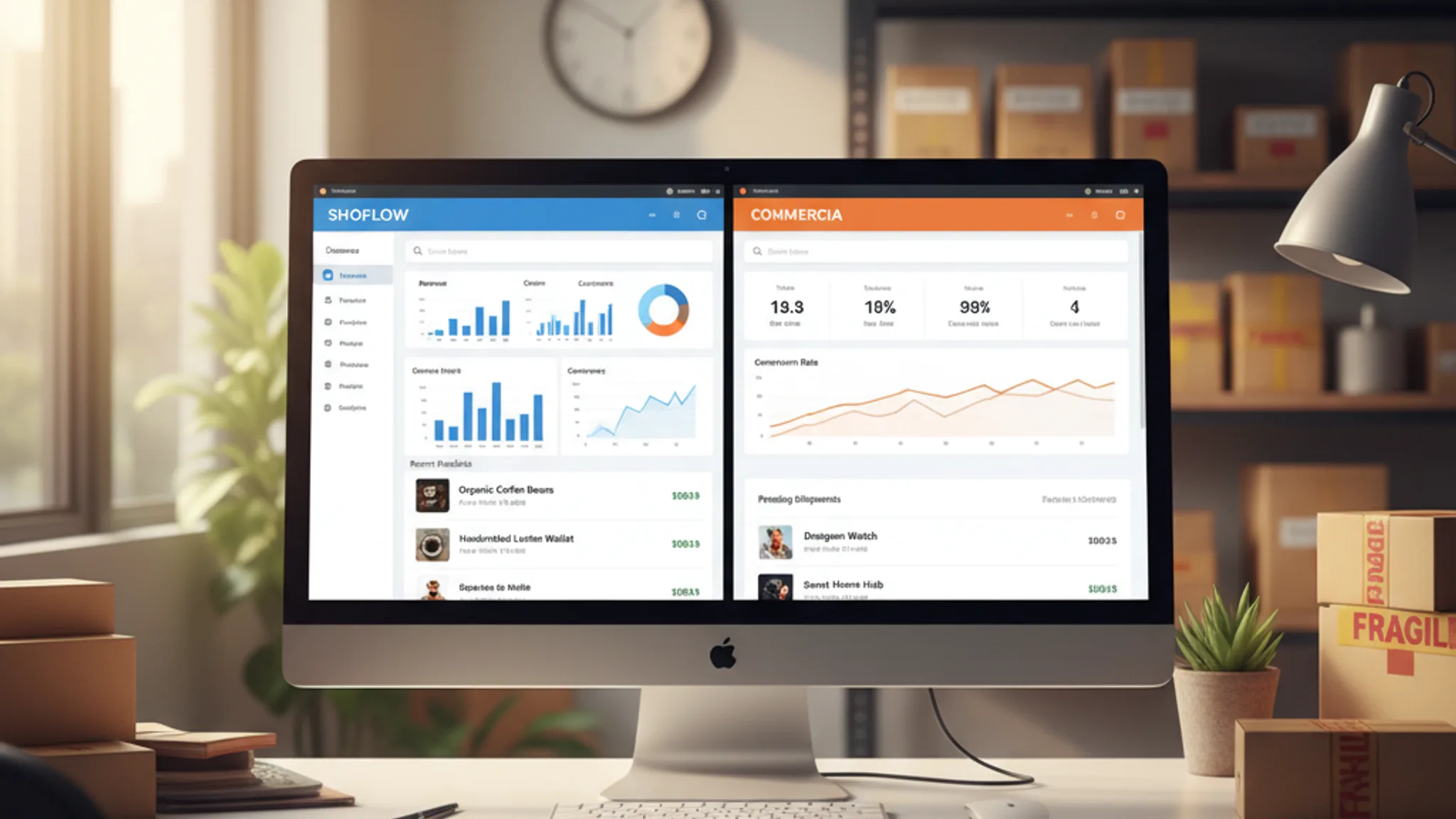
If you are researching Shopify vs WooCommerce in Singapore, you have probably already read a dozen comparison articles that regurgitate the same feature tables. Here is the thing those articles miss: both platforms work. Thousands of profitable Singapore stores run on each. The right choice depends entirely on your business model, your budget, and how much control you want over the technical side.
We have built and maintained online stores on both platforms for Singapore retailers, F&B brands, and service businesses. This is not a theoretical comparison; it is based on real projects, real costs, and real headaches we have encountered along the way. We will cover pricing, local payment integrations like PayNow and GrabPay, GST compliance, PDPA requirements, SEO, and ultimately help you decide which platform makes sense for your situation.
Shopify is the go-to recommendation for business owners who want to start selling online quickly without worrying about servers, security patches, or plugin conflicts. It is a fully hosted platform: Shopify handles the infrastructure, SSL certificates, PCI compliance, and software updates. You focus on products and marketing.
What Shopify does well
- Speed to launch: A functional store can be live within a day. Theme customisation is intuitive, and the onboarding process guides you through products, payments, and shipping step by step.
- Shopify Payments: The built-in payment gateway supports Visa, Mastercard, American Express, and Apple Pay out of the box. In Singapore, credit card processing rates start at 3.2% + S$0.50 on the Basic plan, dropping to 3.0% + S$0.50 on Advanced.
- App ecosystem: Over 13,000 apps in the Shopify App Store cover everything from loyalty programmes to inventory management. Need GrabPay? Install an app. Need subscription billing? There is an app for that.
- Reliability: 99.99% uptime with a global CDN. You will not lose sales because your hosting provider had a bad night.
Where Shopify falls short
- Transaction fees on third-party gateways: If you use any payment provider other than Shopify Payments, you pay an additional 0.5% to 2% per transaction on top of the gateway's own fees. This is a significant hidden cost.
- Limited customisation depth: Shopify uses its own templating language, Liquid. For straightforward stores, this is fine. But if you need highly custom product pages, complex pricing logic, or unusual checkout flows, you will hit walls that require a Shopify Plus subscription (starting at US$2,300/month) to overcome.
- Content limitations: Shopify's built-in blog is basic. No categories, limited formatting, and poor content management compared to WordPress. If content marketing is a core strategy, this matters.
- Vendor lock-in: Your store lives on Shopify's infrastructure. If you ever want to migrate, exporting products is straightforward, but rebuilding the design, apps, and integrations takes significant effort.
WooCommerce is a free, open-source plugin that turns any WordPress website into an online store. Unlike Shopify, you own the entire stack: the code, the database, the hosting environment. That ownership comes with both freedom and responsibility.
What WooCommerce does well
- Total customisation: Open source and built on WordPress, so there are virtually no limits. Custom checkout flows, unique product types, complex pricing rules, multi-vendor marketplaces, all possible without an enterprise plan.
- Content marketing powerhouse: WordPress remains the world's most capable CMS. If your strategy relies on blog content and SEO-driven landing pages, WooCommerce gives you tools Shopify cannot match.
- No transaction fees from the platform: WooCommerce does not charge a percentage on your sales. You only pay your payment gateway's fees. For high-volume stores, this saves thousands per year.
- Lower long-term costs: Once you have invested in a solid theme and plugins, ongoing costs are primarily hosting and payment processing. No monthly platform fee that scales with your plan.
Where WooCommerce falls short
- You manage the hosting: Choosing a host, configuring caching, and keeping WordPress, WooCommerce, and plugins updated. Security is your responsibility. If your host goes down at 2am on a Saturday, that is your problem.
- Plugin compatibility issues: With thousands of WordPress plugins, conflicts happen. An update to one plugin can break another. Testing on a staging environment before pushing to production is essential.
- Performance requires effort: A vanilla WooCommerce install with 20 plugins, an unoptimised theme, and cheap shared hosting will be slow. Achieving fast load times requires proper hosting, caching, and image optimisation, none of which are automatic.
- Steeper learning curve: Managing a WooCommerce store demands more technical knowledge than Shopify. You do not need to be a developer, but you do need to be comfortable with WordPress administration, or have a developer on call.
Most comparisons list the headline prices and call it a day. The real cost includes hosting, themes, plugins, transaction fees, and development time. Here is a realistic breakdown for Singapore.
Shopify costs (monthly)
| Item | Basic (S$39/mo) | Shopify (S$132/mo) | Advanced (S$531/mo) |
|---|---|---|---|
| Platform subscription | S$39 | S$132 | S$531 |
| Credit card rate (online) | 3.2% + S$0.50 | 3.1% + S$0.50 | 3.0% + S$0.50 |
| Third-party gateway surcharge | 2.0% | 1.0% | 0.5% |
| Theme (one-time) | Free to S$480 | ||
| Essential apps (typical) | S$40–S$150/mo | ||
A typical Singapore SME on the Basic plan with a few paid apps spends roughly S$100–S$200 per month before transaction fees.
WooCommerce costs (monthly)
| Item | Budget Setup | Mid-Range | Performance Setup |
|---|---|---|---|
| Hosting | S$10–S$20/mo | S$30–S$60/mo | S$80–S$200/mo |
| Domain | S$15–S$25/yr | ||
| Theme (one-time) | Free to S$100 | ||
| Essential plugins | S$0–S$30/mo | S$30–S$80/mo | S$80–S$150/mo |
| Payment gateway fees | 2.8%–3.4% + S$0.50 (varies by provider) | ||
A comparable WooCommerce setup runs roughly S$50–S$150 per month, with lower transaction fees since there is no platform surcharge. However, factor in the cost of your time managing updates and troubleshooting, or the cost of hiring a web developer in Singapore to maintain it for you.
The break-even point
For stores processing under S$10,000 per month, the cost difference is marginal. Once you pass S$30,000 in monthly revenue, WooCommerce's lack of platform fees starts saving real money, assuming you are not spending that saving on developer hours.
Global reviews rarely cover the payment methods your customers use, the tax rules you must follow, or the data protection laws that apply to you. This is where a local perspective matters.
Payment gateways for Singapore
Singaporean shoppers expect to pay with PayNow, GrabPay, and credit cards at minimum. Here is how each platform handles local payments:
Shopify: Shopify Payments handles Visa, Mastercard, and Amex natively. For PayNow, GrabPay, ShopeePay, and BNPL options like Atome, you will need a third-party integration. HitPay is the most popular choice. HitPay charges no monthly fees: PayNow transactions cost 0.65% + S$0.30 (for orders S$100+) or 0.9% (under S$100), while GrabPay costs 3.0%. The catch? Using HitPay means you also pay Shopify's third-party gateway surcharge (0.5%–2%) on top.
WooCommerce: You have more flexibility. Stripe handles cards and supports PayNow natively. HitPay's WooCommerce plugin adds PayNow, GrabPay, ShopeePay, and NETS without any platform surcharge. You can also use dedicated PayNow QR plugins that generate payment QR codes directly on the checkout page. This flexibility is a genuine WooCommerce advantage for Singapore stores.
GST compliance
Singapore's GST rate is 9% (increased from 8% in January 2024). Both platforms handle GST, but differently:
- Shopify has built-in tax settings where you specify your region and rate. It automatically calculates and displays GST on product pages and invoices. Straightforward for single-rate jurisdictions like Singapore.
- WooCommerce also supports tax configuration natively, but gives you more granular control, useful if you sell to multiple countries with different tax rates or need to handle GST-exempt products. Plugins like WooCommerce Tax can automate rate lookups for international selling.
PDPA compliance
Singapore's Personal Data Protection Act (PDPA) requires you to obtain consent before collecting customer data, appoint a Data Protection Officer, and notify the PDPC of breaches within three calendar days. Fines for non-compliance can reach S$1 million or 10% of annual turnover, whichever is higher.
- Shopify provides a privacy policy generator, cookie consent banners, and data processing agreements. However, you are still responsible for your own PDPA policies and marketing consent mechanisms.
- WooCommerce benefits from WordPress's built-in privacy tools (data export/erasure requests). Plugins like Complianz handle cookie consent and PDPA requirements. The upside is more control over where data is stored; you can choose a Singapore-based host to keep customer data within jurisdiction.
Neither platform makes you PDPA-compliant by default. Both require you to configure consent mechanisms, draft proper policies, and manage customer data responsibly.
After building stores on both platforms for years, here is the decision framework we use with clients:
Choose Shopify if you:
- Want to launch fast and manage the store yourself without technical help
- Sell physical products with straightforward pricing
- Prefer predictable monthly costs over variable hosting expenses
- Do not rely heavily on content marketing to drive traffic
- Are a small team without a developer on staff
Typical Shopify clients we work with: Fashion brands, beauty products, D2C food brands, and lifestyle retailers with 50–500 SKUs.
Choose WooCommerce if you:
- Need a highly customised store with unique product types or checkout flows
- Run a content-heavy website where SEO drives significant revenue
- Process high volumes where platform transaction fees eat into margins
- Want full control over your data, hosting, and technology stack
- Have access to a developer (in-house or through an agency) for maintenance
Typical WooCommerce clients we work with: B2B wholesalers, multi-vendor marketplaces, and subscription box services.
What about headless commerce?
For businesses outgrowing both options, headless setups (using Shopify or WooCommerce as a backend with a custom frontend on Astro or Next.js) offer the best of both worlds. We are seeing more Singapore brands move in this direction, though it requires a larger upfront development investment.
Both platforms can rank well on Google. The idea that one is inherently better for SEO is outdated. That said, there are meaningful differences in how each handles technical SEO.
WooCommerce SEO advantages
- Full URL control: You decide your URL structure entirely. No forced
/collections/or/products/prefixes. - Superior content tools: Plugins like Yoast SEO and RankMath provide granular control over meta titles, descriptions, schema markup, XML sitemaps, and internal linking suggestions. These tools are more powerful than anything available on Shopify.
- Flexible site architecture: Create landing pages, category hierarchies, and content silos exactly how you want them. This matters for targeting long-tail keywords specific to the Singapore market.
Shopify SEO advantages
- Speed out of the box: Shopify pages load in roughly 300–400 milliseconds on average, thanks to their global CDN and optimised infrastructure. WooCommerce averages 700–800 milliseconds and requires more effort to optimise. Since Core Web Vitals are a ranking factor, this default speed advantage is significant.
- Fewer technical SEO errors: Shopify automatically generates canonical tags, handles redirects, and creates sitemaps. WooCommerce can do all of this, but misconfiguration leads to duplicate content and wasted crawl budget.
The honest verdict on SEO
If you have a competent developer or SEO specialist managing your WooCommerce site, it offers more control and can outperform Shopify in search. If you are managing SEO yourself, Shopify's guardrails prevent more mistakes than WooCommerce's freedom enables. For most Singapore SMEs, the quality of your content and backlink profile matters far more than which platform you chose.
Changing platforms is not the end of the world, but it is not trivial either. Product data exports cleanly via CSV on both sides, and migration tools like Cart2Cart handle customer and order history (budget S$200–S$800 depending on store size). The real cost is rebuilding your theme, recreating app or plugin functionality, and thorough testing. Expect two to six weeks of development.
The critical step is 301 redirects. Every old URL must redirect to its new equivalent. Miss this and you lose your search rankings, potentially for months. We have seen businesses lose 40%+ of their organic traffic from botched migrations. If you are considering a platform switch, work with a developer who understands both ecosystems.
The Shopify vs WooCommerce debate does not have a universal winner, and anyone who tells you otherwise is probably selling one of them. For Singapore businesses, the decision comes down to this: Shopify is the better choice if you want simplicity, speed to market, and predictable costs. WooCommerce is the better choice if you need deep customisation, content-driven marketing, and lower transaction fees at scale.
Both platforms support the local payment methods Singaporeans expect (PayNow, GrabPay, and NETS), though WooCommerce offers more flexible integration options. Both can handle GST and PDPA compliance with proper configuration. And both can rank well on Google if you invest in quality content and technical SEO.
Our recommendation? Start with your business requirements, not the platform. Define your product catalogue, your budget, your growth plans, and your technical resources. The platform choice will become obvious. And if it does not, we offer e-commerce website design on both platforms. We will give you an honest assessment based on what we have seen work for businesses like yours in Singapore.