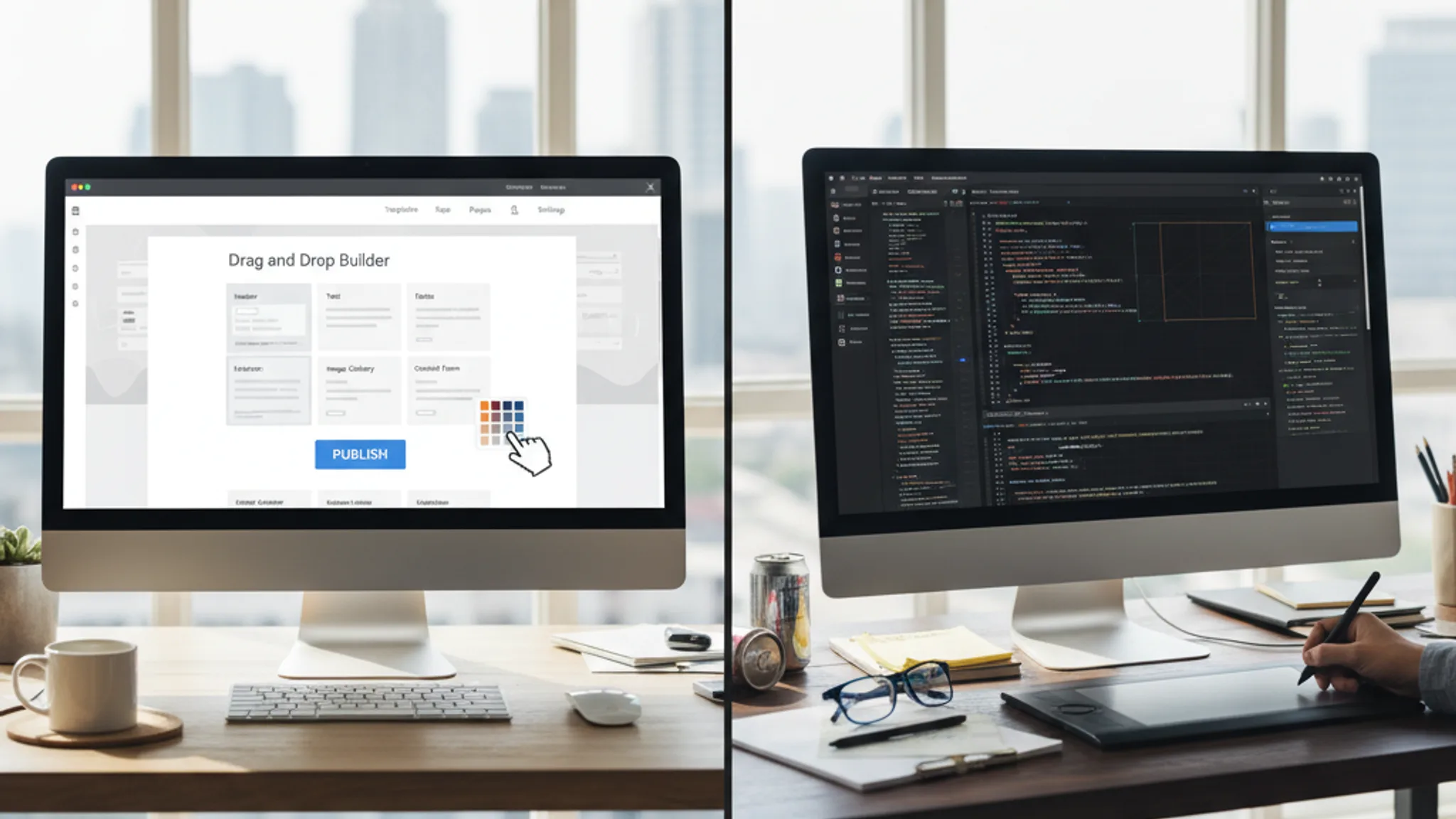









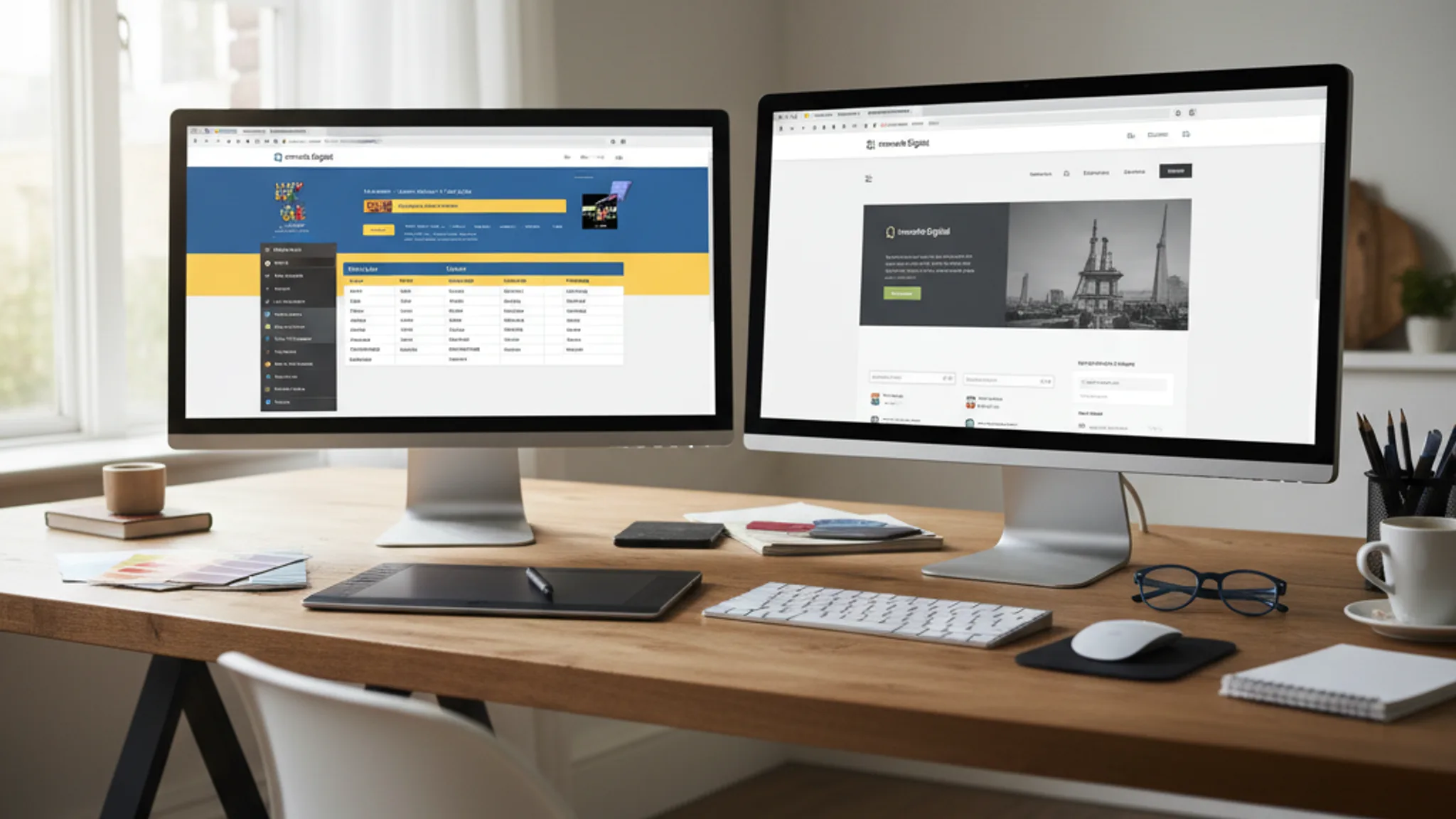
You know your website needs work. It looks dated, loads slowly, or just doesn't convert the way it used to. But here's the question that trips up most Singapore business owners: should you redesign the website you have, or tear it down and rebuild from scratch?
It's not a trivial decision. A redesign is faster and cheaper but might not fix deeper problems. A rebuild gives you a clean slate but costs more and takes longer. Pick the wrong one and you waste money. Pick the right one and you get a website that actually drives business for the next three to five years.
We've done both for dozens of Singapore businesses, from F&B outlets to B2B service companies. This guide breaks down exactly when each option makes sense, what they cost, and how to protect your SEO rankings during the transition.
Key Takeaways
- 1 Redesign vs rebuild: the quick comparison Jump to this section
- 2 What is a website redesign? Jump to this section
- 3 What is a website rebuild? Jump to this section
- 4 When to choose a redesign Jump to this section
- 5 When to choose a rebuild Jump to this section
Redesign vs rebuild: the quick comparison
Before we go deep, here's a side-by-side summary. If your website was built before 2022 on an outdated platform, a rebuild is almost always the better investment. If the underlying technology still works and you mainly need a visual update, a redesign will save you time and money.
| Factor | Redesign | Rebuild |
|---|---|---|
| Definition | Visual refresh on the same platform and codebase | New platform, new code, new structure from scratch |
| Typical cost (SG) | S$3,000 to S$8,000 | S$6,000 to S$20,000+ |
| Timeline | 2 to 4 weeks | 4 to 12 weeks |
| SEO impact | Low risk (URLs stay the same) | Medium risk (needs 301 redirects and migration plan) |
| Best when | Design is dated but tech is solid | Platform is outdated, slow, or limiting growth |
| Downtime | Minimal (can update in stages) | Brief (launch day cutover) |
Now let's unpack each option properly.
What is a website redesign?
A website redesign is a visual and content refresh that keeps your existing platform, CMS, and core codebase intact. Think of it as renovating your flat: you repaint the walls, swap out furniture, and update the fixtures, but the structure stays the same.
A typical redesign includes:
- New visual design: updated layout, typography, colour scheme, and imagery
- Content refresh: rewriting headlines, updating service descriptions, adding new pages
- UX improvements: better navigation, clearer calls-to-action, improved mobile layout
- Performance tweaks: image optimisation, caching adjustments, minor code cleanup
What a redesign does not change is the underlying technology. If your site runs on WordPress, it stays on WordPress. If it uses a specific theme or page builder, you're still working within those constraints. The database, URL structure, and hosting setup remain the same.
This is both the strength and the limitation. You get a fresher-looking website faster, but you're still bound by whatever technical decisions were made when the site was originally built.
For more on what a modern redesign involves, see our guide on website redesign best practices in 2026.
What is a website rebuild?
A website rebuild (sometimes called a website redevelopment) means starting from a blank slate. You choose a new platform, write new code, define a new site structure, and migrate your content across. It's the equivalent of demolishing a building and constructing a new one on the same plot of land.
A typical rebuild includes:
- Platform migration: moving from WordPress to a modern framework like Astro, Next.js, or a headless CMS
- New information architecture: rethinking how pages are structured, how content is organised, and how users navigate
- Custom codebase: purpose-built code optimised for your specific needs (not a repurposed theme)
- Full content migration: moving existing content, setting up 301 redirects, and verifying nothing gets lost
- New integrations: connecting fresh tools for analytics, CRM, email marketing, or payment processing
A rebuild gives you the freedom to fix every technical problem your current site has. Slow load times, messy code, poor mobile experience, inflexible content management: all of it can be addressed from the ground up.
The trade-off is time and cost. A rebuild takes longer, costs more, and requires careful planning to avoid losing the SEO authority your current site has built up.
When to choose a redesign
A redesign is the right call when the bones of your website are solid but the surface needs updating. Choose a redesign if most of these apply to your situation:
- Your brand identity is still relevant. You don't need a complete brand overhaul, just a more modern look.
- Your CMS works well. You (or your team) can update content without developer help, and the system isn't fighting you.
- Your site structure is sound. Pages are logically organised, URLs make sense, and visitors can find what they need.
- Your budget is limited. You have S$3,000 to S$8,000 to invest, and you need to make every dollar count.
- You need results quickly. A redesign can be completed in two to four weeks, versus two to three months for a rebuild.
- Your Core Web Vitals are passable. The site isn't blazing fast, but it doesn't fail Google's Core Web Vitals thresholds either.
- You have existing SEO rankings worth protecting. A redesign carries less risk because URLs and site structure stay the same.
A common scenario: a Singapore SME built their WordPress site three years ago. The design looks a bit dated, the content hasn't been updated, and the homepage doesn't reflect their current services. But WordPress itself is working fine, the hosting is stable, and the site ranks decently for a few keywords. In this case, a redesign is the smart move. Spend the budget on better design and content, not rebuilding infrastructure that already works.
When to choose a rebuild
A rebuild becomes the right choice when the problems with your website go deeper than looks. Choose a rebuild if any of these sound familiar:
- Your platform is outdated or insecure. Running an old version of WordPress with abandoned plugins, or a CMS that no longer receives security updates. This is a ticking time bomb.
- Your site is fundamentally slow and can't be fixed. If you've already optimised images, enabled caching, and cleaned up code but your page load time is still above four seconds, the problem is architectural. No amount of tweaking will fix a bloated theme with 30 JavaScript libraries.
- Your business has changed significantly. You've expanded services, changed your target market, or evolved from a local shop to an e-commerce business. The current site structure can't accommodate these changes without becoming messy.
- Mobile experience is structurally broken. If your site was built desktop-first with responsive design bolted on as an afterthought, the mobile experience will always be a compromised version of the desktop. A rebuild lets you design mobile-first from day one.
- SEO fundamentals are broken. Duplicate content issues, poor URL structure, missing meta tags, no schema markup, and a sitemap that doesn't reflect your actual pages. Sometimes it's easier to start fresh than to untangle years of SEO neglect.
- You're paying too much for maintenance. If you're spending S$200 to S$500 per month patching bugs, updating plugins, and dealing with compatibility issues, a rebuild to a more maintainable platform will pay for itself within a year or two.
- You need features your current platform can't support. Multilingual content, advanced filtering, member portals, or custom calculators that your existing CMS simply can't handle without an unstable tower of plugins.
Here's a useful rule of thumb: if your website was built before 2022 on a generic WordPress theme with page builders like Elementor or Divi, a rebuild is almost always the better investment. These sites tend to accumulate technical debt that makes them progressively slower and harder to maintain. For more on the WordPress vs custom website debate, we've written a detailed comparison.
Cost comparison in Singapore
Let's talk real numbers. Here's what businesses in Singapore can expect to pay in 2026, based on our own project experience and market research.
Website redesign: S$3,000 to S$8,000
- S$3,000 to S$5,000: basic visual refresh. New layout, updated content, better images. Ideal for five to ten page brochure sites.
- S$5,000 to S$8,000: comprehensive redesign with UX improvements, content strategy, conversion optimisation, and performance tuning.
Website rebuild: S$6,000 to S$20,000+
- S$6,000 to S$10,000: rebuild for small to mid-size business sites (10 to 20 pages) on a modern platform with custom design.
- S$10,000 to S$15,000: more complex sites with custom functionality, e-commerce features, or advanced integrations.
- S$15,000 to S$20,000+: enterprise-level rebuilds with multiple user roles, complex data handling, multilingual support, or API integrations.
For a detailed breakdown of what drives these numbers, check our complete guide to website costs in Singapore.
What affects the cost of each:
- Number of pages: more pages means more design work and more content to migrate
- Custom functionality: booking systems, member areas, payment gateways, or API integrations all add to the scope
- Content creation: do you need new copy, photography, or video? Or can existing content be reused?
- SEO migration work: rebuilds need careful redirect mapping and post-launch monitoring, which adds to the total
- Agency vs freelancer: larger agencies charge more for the same scope. A freelance web designer in Singapore can often deliver equivalent quality at a lower price point.
One more thing worth noting: the cheapest option isn't always the most cost-effective. A S$3,000 redesign that doesn't fix underlying speed issues will need a S$10,000 rebuild in 18 months. Sometimes spending more upfront saves you money long term.
Recommended reads
SEO considerations: protecting your rankings
This is where many businesses get burned. You invest in a new website, launch it, and watch your Google rankings tank. It happens more often than you'd think, and it's almost always preventable.
SEO impact of a redesign (lower risk)
Because a redesign keeps the same URL structure, the same platform, and the same domain setup, the SEO risk is relatively low. Your existing pages stay at the same addresses, so Google doesn't need to reindex everything from scratch.
That said, you can still hurt your rankings during a redesign if you:
- Remove or significantly thin out content that was ranking well
- Change title tags and meta descriptions without checking what's currently performing
- Break internal links by reorganising navigation without updating the links
- Accidentally add noindex tags or block pages in robots.txt
SEO impact of a rebuild (medium risk, manageable)
A rebuild typically changes your URL structure, which means every page gets a new address. Without proper planning, Google sees this as a completely new website and you lose all your accumulated authority. The fix is a comprehensive 301 redirect strategy.
Here's our SEO migration checklist for rebuilds:
- Crawl your current site before the rebuild to get a complete list of all indexed URLs
- Map every old URL to its new equivalent with 301 (permanent) redirects
- Preserve your top-performing content. Don't rewrite pages that already rank well unless you're improving them
- Keep the same domain and SSL setup. Don't change from www to non-www (or vice versa) at the same time as the rebuild
- Submit the new sitemap to Google Search Console immediately after launch
- Monitor Search Console daily for two weeks after launch. Look for crawl errors, indexing drops, and 404 pages
- Keep old redirects in place for at least 12 months. Removing them too early causes ranking drops
When we handle rebuilds for clients, we typically see a brief ranking fluctuation in the first two to four weeks, followed by a recovery and often an improvement as the faster, better-structured site gets fully indexed. The key is preparation. If you skip the redirect mapping, you're gambling with traffic you've spent years building.
The hybrid approach: redesign the front, rebuild the back
There's a third option that doesn't get talked about enough: the hybrid approach. This means keeping the parts of your website that work and replacing the parts that don't.
In practice, this usually looks like one of these scenarios:
- Redesign the frontend, rebuild the backend. You keep the same visual design direction but move to a faster, more modern platform. This works well when the design is relatively recent but the technology behind it is holding you back.
- Phased migration. Instead of rebuilding everything at once, you rebuild the highest-impact pages first (usually homepage, service pages, and contact page), then migrate the rest over time. This spreads the cost and reduces risk.
- Headless CMS approach. You keep your existing CMS for content management but replace the frontend with a modern framework. Your team still edits content the same way, but visitors get a much faster experience.
The hybrid approach is especially useful for businesses with larger websites (30+ pages) where a full rebuild would be expensive and disruptive. It lets you modernise progressively without a single high-risk launch day.
One thing to be careful about: not every developer or agency offers this option. It requires someone who understands both the old platform and the new one, and who can bridge them cleanly. If you're considering this route, make sure you're working with a team that has done it before. For reference, check our guide on how long it takes to build a website in Singapore, which covers phased approaches.
How to decide: a practical framework
Still not sure which route to take? Work through this self-assessment. Answer each question honestly, then tally your results.
Answer "yes" or "no" to each question:
- 1. Was your website built more than four years ago?
- 2. Does your site take more than three seconds to load on mobile?
- 3. Are you on a platform or CMS that no longer receives regular updates?
- 4. Has your business model, services, or target market changed significantly since the site was built?
- 5. Do you spend more than S$200/month on maintenance and bug fixes?
- 6. Does your site fail Google's Core Web Vitals assessment?
- 7. Is your mobile experience a scaled-down version of desktop rather than purpose-built?
- 8. Do you need features (e.g. e-commerce, booking, multilingual) that your current platform can't support well?
- 9. Are there security concerns with your current setup (outdated plugins, no SSL, known vulnerabilities)?
- 10. Would you describe your site's code as "a mess" or "held together with duct tape"?
Scoring:
- 0 to 2 "yes" answers: Redesign. Your foundation is solid. A visual and content refresh will give you the best return on investment.
- 3 to 5 "yes" answers: Consider a hybrid approach. Some elements need replacing, but a full rebuild may be overkill. Talk to your developer about which parts to keep and which to replace.
- 6 to 10 "yes" answers: Rebuild. The underlying problems are too deep for a redesign to fix. A rebuild will cost more upfront but save you money and frustration in the long run.
If you're unsure about any of these questions, a quick website audit can give you the answers. At Terris, we offer a free initial assessment where we check your site speed, SEO health, mobile performance, and security status. Reach out here and we'll give you an honest recommendation, even if the answer is "your current site is fine."
How long does a website redesign take vs a rebuild?
A redesign typically takes two to four weeks. A rebuild takes four to twelve weeks, depending on the complexity. The biggest time factor in rebuilds is content migration and testing, not the actual development. For a full timeline breakdown, see our guide on how long it takes to build a website in Singapore.
Will I lose my Google rankings if I rebuild my website?
Not if it's done correctly. The key is implementing proper 301 redirects from every old URL to its new equivalent, submitting an updated sitemap, and monitoring Google Search Console after launch. Expect a brief fluctuation in the first two to four weeks, followed by a recovery. If your new site is faster and better structured, rankings often improve beyond their previous levels.
Can I redesign my website myself using a page builder?
You can, but proceed with caution. Page builders like Elementor and Squarespace make it easy to change how your site looks, but they also make it easy to break things. Common self-redesign mistakes include accidentally creating duplicate pages, breaking internal links, and adding heavy elements that tank your site speed. If your site generates meaningful revenue, the cost of a professional redesign is usually justified by the risk reduction alone.
Should I change my domain name during a rebuild?
Generally, no. Changing your domain at the same time as a rebuild doubles the SEO risk. Your existing domain has accumulated authority, backlinks, and brand recognition. If you absolutely need a new domain, treat it as a separate project and do the domain migration after the rebuild has stabilised (at least three months later).
Is WordPress still a good platform to rebuild on in 2026?
It depends on your needs. WordPress still powers a large share of the web, but modern alternatives like Astro, Next.js, and headless CMS setups offer better performance, security, and developer experience for many use cases. We've written a detailed comparison in our WordPress vs custom website guide and our Astro vs Next.js vs WordPress comparison. For content-heavy sites where non-technical people need to edit frequently, WordPress with a good theme can still be the right choice. For performance-focused business sites, newer frameworks usually win.
What's the best time of year to redesign or rebuild a website in Singapore?
There's no universally "best" time, but avoid launching a new site right before your peak business season. If you're in retail, don't launch in November. If you're in B2B, avoid year-end when clients are doing budget reviews. The ideal window is two to three months before your peak period, giving you time to iron out any issues and start reaping the benefits when traffic is highest.
The redesign vs rebuild decision comes down to one question: are your website's problems skin-deep or structural? If the technology works and you mainly need a fresh look, redesign. If the foundation is cracked, rebuild. And if you're somewhere in between, a hybrid approach lets you modernise progressively without the risk of a big-bang relaunch.
Whatever route you take, plan for SEO migration, set a realistic budget, and work with someone who's done it before. The difference between a smooth transition and a costly mistake usually comes down to preparation.
Need help deciding? We offer free website assessments for Singapore businesses. Get in touch and we'll tell you exactly what your site needs, whether that's a light redesign, a full rebuild, or something in between. You can also explore our website redesign service, web design services, or web development services to see how we approach each type of project.

Written by
Terris
Founder & Lead Strategist
Terris has handled both website redesigns and full rebuilds for Singapore businesses. He helps clients make the right choice based on their actual situation, not what generates the biggest invoice.
Want to see these strategies in action? Browse our portfolio or get in touch to discuss your project.