Web Development Website Security
What Is PHP? A Plain-English Guide for Website Owners (October 2026)
What is PHP? The plain-English answer for website owners: what it does, how to tell if your site runs on it, and why your host says it needs updating.
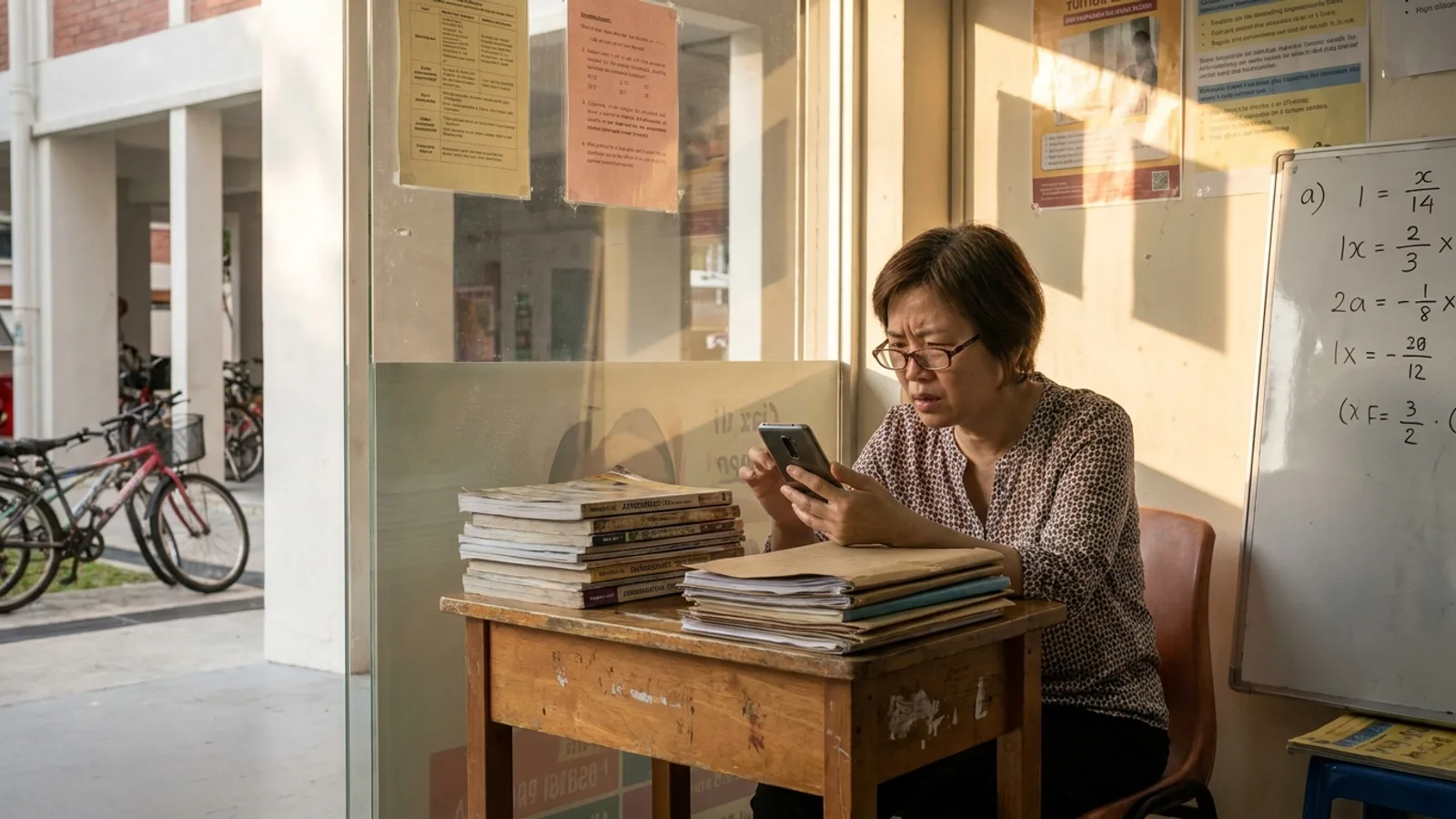
Your host sent an email. Or an IT friend forwarded a WhatsApp message saying "your PHP needs updating", and you're not sure what PHP even is. Here's the short answer to what is PHP: it's the software on your web server that builds your website's pages each time someone visits. If your site runs on WordPress, it runs on PHP.
Do you need to care? If your site is WordPress, WooCommerce, Joomla, Drupal or Magento, yes, a little. PHP comes in versions, old versions stop getting security fixes, and on 21 October 2026 PHP shipped emergency fixes for two critical flaws. If you're on Wix, Squarespace or Shopify, the platform deals with it for you. Either way, you don't need to learn to code. You need one number, and someone whose job it is.
I'm Terris. I've built and looked after websites for Singapore businesses full-time since 2018, and this is the explanation I give owners who'd never heard the word PHP before this week. No jargon you won't get explained.
PHP is a programming language that runs on your web server and builds each page of your website at the moment a visitor asks for it. Visitors never see PHP. They only see the finished page it makes.
Think of your website as a restaurant. A visitor orders your "Our Services" page. PHP is the cook in the kitchen. It takes the order, pulls the ingredients from the pantry (your database, which holds your text, photos and prices), follows the recipe (WordPress, your theme and your plugins), plates up a fresh page and sends it out. The next visitor orders, and it cooks again from scratch.
A static website works more like the display case at a bakery. Everything was baked earlier and boxed up. When someone asks, staff hand over the box. Nobody is cooking at the counter, so there's no cook for anyone to trick.
The PHP manual puts it in one line: "the code is executed on the server, generating HTML which is then sent to the client." HTML is the finished page your browser displays. The client is your visitor's phone or laptop. So the cooking happens on a computer your host owns, and only the plated meal travels.
PHP is used to build websites whose pages change depending on who's visiting or what's in a database: content management systems, online shops, booking and membership sites, and contact forms. If you can log in to your site and edit a page, there's a good chance PHP is doing the work.
The software it runs that Singapore businesses meet most often:
- WordPress, by far the biggest, plus WooCommerce, the shop plugin built on it.
- Joomla and Drupal, other content management systems, common on older corporate and school sites.
- Magento (now Adobe Commerce), OpenCart and PrestaShop, for online stores.
- Laravel and custom-built PHP, behind booking systems, member portals and internal tools.
- Small scripts, like the
contact.phpfile that emails you form enquiries from an otherwise plain HTML site.
That adds up to most of the web. W3Techs counted PHP on 69.3% of websites whose server-side language it could identify, on 24 October 2026. WordPress alone runs on 39.6% of all websites, by the same survey. So if you're wondering whether this is a niche problem, it isn't.
PHP lives on the server your host rents you, not on your computer, so it's updated by whoever runs that server: your host on shared hosting, or your developer or IT vendor on a private server. A server is just a computer in a data centre that stays on and sends out your pages.
A WordPress site has three layers, and each one has its own updates. Owners often assume one person handles all three. Often nobody does.
| Layer | What it is | Who updates it on shared hosting | Who updates it on your own server (VPS or cloud) |
|---|---|---|---|
| The server and its operating system | The computer and its basic software | Your host | Your developer or IT vendor |
| PHP | The cook that builds each page | Your host installs the patches. You or your developer pick the version (for example 8.3) in the hosting panel | Your developer or IT vendor |
| WordPress, theme and plugins | The recipes the cook follows | You or your developer | You or your developer |
Shared hosting is the cheap, common kind, where hundreds of sites share one machine the host maintains. Most Singapore SME sites are on it, with Vodien, Exabytes, SiteGround, Hostinger and similar. A VPS or cloud server is a machine just for you, so someone on your side has to keep PHP current.
You can usually tell whether your website uses PHP in under a minute from any browser: a WordPress login page at /wp-admin, the word "wp-content" in the page source, or page addresses ending in .php all mean PHP. Try these in order and stop when one answers.
- Add /wp-admin to your address. Type yourcompany.com/wp-admin. A WordPress login box means your site runs on WordPress, and so on PHP.
- Look at the page source. On a computer, right-click your homepage and choose View page source, or press Ctrl+U. Press Ctrl+F and search for
wp-content. Found it? WordPress. Words like Joomla, Drupal or Magento in the source tell the same story for those systems. - Look at your page addresses. Links ending in
.php, like index.php or contact.php, are PHP pages. - Check the hosting invoice. Search your email for the yearly renewal. "cPanel hosting", "Linux hosting" or "WordPress hosting" almost always means PHP. A monthly Wix, Shopify or Squarespace subscription means your main site has no PHP for you to manage.
- Ask whoever built it. One line on WhatsApp: "Is our site on WordPress, and which PHP version does it run?"
These tell you whether PHP is there. They won't reliably tell you the version, and the version is the part that matters. Some servers announce it in a hidden header, many hide it, and some patched servers show an old-looking number. My guide on how to check your website's PHP version shows where to read the real number and what it means.
No. WordPress is an application written in PHP, so PHP is the language and WordPress is the thing built with it, and WordPress can't run without PHP underneath. Back in the kitchen, PHP is the cook, WordPress is the recipe book, plugins are extra recipes, and your theme is how the plate looks.
That matters because they're updated separately:
- Updating WordPress (the button in your dashboard) doesn't touch PHP.
- Updating PHP happens in your hosting panel, or on the server itself. There's no button for it inside WordPress.
- Your plugins have to work with your PHP version. An old plugin can stop a site from moving to newer PHP, which is how a lot of sites end up stuck.
WordPress's own requirements page recommends PHP 8.3 or newer. Plenty of sites are well behind that. WordPress.org's statistics on 23 October 2026 showed about 36% of WordPress sites that report their version still running PHP 8.1 or older, versions the PHP project has stopped fixing.
PHP releases a new version about once a year, and each one gets roughly four years of fixes: two years of bug and security fixes, then two of security fixes only, ending on 31 December. After that the version is "end of life", and nobody at PHP fixes it any more.
It's like an old phone. It still turns on and still makes calls. But when someone finds a new security hole, the update never arrives, and the holes pile up.
Here's where each version stands, from PHP's supported versions page and end-of-life list:
| PHP version | Security fixes until | Status on 24 October 2026 |
|---|---|---|
| 8.5 | 31 Dec 2029 | Supported, the newest |
| 8.4 | 31 Dec 2028 | Supported |
| 8.3 | 31 Dec 2027 | Supported, security fixes only |
| 8.2 | 31 Dec 2026 | Supported for about ten more weeks |
| 8.1 | Ended 31 Dec 2025 | End of life |
| 8.0 and 7.4 | Ended 2023 and 2022 | End of life |
| 7.3 and older | Ended years ago | End of life |
A full version number has three parts. In 8.3.36, "8.3" is the version (developers call it a branch) and "36" is the 36th round of fixes on it. When your host says "you're on PHP 8.3", that's the branch. Whether you have the latest fixes depends on the last number.
Lots of sites never move. Of the PHP sites W3Techs could read a version from, 26.8% still report PHP 7 and 7.7% PHP 5. My guide to PHP end of life and the supported versions has the full dates and what hosts do about old ones.
PHP is in the news because on 21 October 2026 it fixed PHP2Shell, two critical flaws that can let a stranger run their own code on a web server without logging in, and Singapore's Cyber Security Agency told organisations to update immediately. The fixed versions are 8.5.12, 8.4.27, 8.3.36 and 8.2.35, per PHP's security advisory. PHP released nothing for 8.1 or older. Wiz, one of the teams that found the flaws, says every PHP version from the past decade has at least one of them, and the CSA alert asks organisations to check PHP inside third-party software too.
What that means for you: on shared hosting, most big hosts said within a day or two that they'd patched their servers, so many owners are already covered without lifting a finger. The sites to worry about are the ones on PHP 8.1 or older, on a private server nobody manages, or built by someone who's no longer answering. My plain-English guide to the PHP2Shell vulnerability has the full 24-hour plan and a message you can copy to your host.
Not for their main site. Wix, Shopify, Squarespace and Webflow run their own servers and keep them patched, so there's no PHP version for you to check, choose or update. That's one of the things you pay the monthly fee for.
The catch is anything sitting next to it. I often find an old WordPress blog on blog.yourcompany.com, a campaign microsite from a few years back, or a booking system a vendor installed on a subdomain. Those are PHP sites, they're on your domain, and nobody remembers to update them. If you're not sure, ask whoever manages your domain for a list of everything that points to a server.
And if all this makes a hosted platform sound appealing, my comparison of WordPress alternatives for business websites goes through what you gain and what you give up.
No. PHP is old, but it's actively maintained, and a supported version that's kept updated is a sound base for a business website; the danger is a site nobody updates. Every widely used language gets security bugs. What counts is whether fixes arrive, and whether someone installs them.
PHP's team put out security releases five times between May and October 2026. That's the system working. The sites that get hurt are the ones still on a version from 2019 because a plugin broke once and nobody went back.
I still build on WordPress when a business needs it: a shop, a members' area, a team editing every day. For a brochure site that changes a few times a year, I'd rather build it so no PHP runs at all. The pages are built ahead of time and served as plain files, which is the bakery case from earlier. terris.sg works that way, and in August I moved MET Interior's 176-page site from WordPress to Astro. My guide to static vs dynamic websites explains the trade-offs honestly, including what a static site still has to protect.
Find out whether your site uses PHP, get the exact version and the date it was last patched in writing, and if nobody can tell you, get someone to check. In order:
- Do the one-minute test above. No PHP? You're done.
- Ask your host or developer two questions: "Which exact PHP version does our site run?" and "Does it include the 21 October 2026 security fix?" A good answer has a number and a date.
- If the answer is 8.1 or older, or nobody replies, treat it as urgent. There's no fix coming from PHP for those versions.
- Back up before anyone changes anything. Files and database, with a copy kept off the server.
If you'd rather hand it over, start with my free PHP check. Send me your web address and I'll check which PHP version it runs, what it's built on and how old its theme and plugins are, and tell you what I find. If your host has already patched it, I'll say so, and you won't need me.
If it does need work, you get a fixed price in writing before I start, covering the PHP update and anything it breaks, from SGD 850, through my website maintenance service. To keep it current afterwards, the content retainer is SGD 550 a month for updates, backups and security plus 5 hours of changes. If the site is so old that a fix costs more than it's worth, I'll quote a rebuild next to it: from SGD 2,535 for a Starter site of up to 10 pages. And if you're tempted to just leave it, read what happens if you don't update PHP first.
PHP stands for "PHP: Hypertext Preprocessor", a name that refers to itself, though it began in 1994 as "Personal Home Page Tools". According to PHP's own history page, Rasmus Lerdorf wrote the first version to track visits to his online CV. It grew from there into the language under most of the web.
So, what is PHP? It's the cook in your website's kitchen: the software on your host's server that builds each page when someone visits. If your site is on WordPress or any of its cousins, it runs on PHP, PHP comes in versions, and old versions stop getting fixes. After PHP2Shell, the number your site runs matters more than it did a month ago.
You don't need to understand any of the code. You need to know your version, know who updates it, and have that in writing. If you can't get those answers, send me your address for the free PHP check and I'll tell you where you stand.