Immersive 3D websites · Singapore
Commission an immersive 3D website people explore for themselves
Let people pick up, open and walk round what you sell before they buy it or visit, on their own phone. Built from your CAD files, plans or photos by one designer in Singapore.
⟲ Drag to turn it · Scroll to take it further
02 · Your files
It starts with the files you already have.
CAD drawings from your engineers, STEP or OBJ exports, floor plans, or a set of photos. I turn them into light models a phone can draw, so what people see matches what you make.
- STEP
- OBJ
- FBX
- SolidWorks
- Floor plans
- Photos
03 · Take it apart
Every part, where it really goes.
The scroll takes it apart. Show what is inside, what it is made of and why it costs what it costs, without a spec sheet in sight.
04 · Hand it over
Now they hold it.
Drag to turn it, then try another finish. Tap a dot to read a note pinned to that part.
05 · Put it somewhere
Then give it a place.
A gallery, a showroom, the site itself. The walls, the light and the time of day become part of the story.
06 · More worlds
As many worlds as your story needs.
A studio, a showroom and a site, joined in one page. The chair in the showroom was modelled from a single photo.
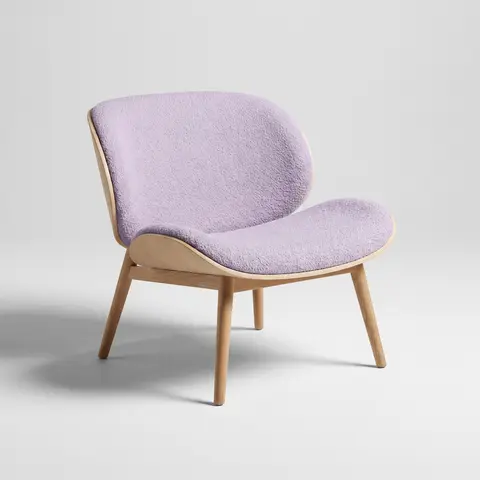
The photo it came from. It was generated for this page too, like every example here.
07 · Swap the world
Same product, another world.
Keep scrolling and the room changes round it. The model stays the same, so one set of files can sit in a gallery, a showroom, outdoors or on a launch stage, and a new world can be added later without rebuilding the rest.
- 01 Gallery
- 02 Showroom
- 03 Outdoors
- 04 Launch night
Why it sells
What a 3D World does that photos can't
They handle it before they buy it
Turning a thing, opening it and looking underneath answers questions a photo gallery leaves for the sales call.
The inside explains the price
An exploded view shows the parts, the materials and the build. It does the job of a spec sheet, and people actually look at it.
Scale and place, not a white background
Put the product in a room, the building on its site, the booth in the hall. People judge size and fit from context.
One link does the sample case
Sales teams and trade show stands open the same page on a tablet. Nothing to ship, nothing to set up.
Built from what you already have
CAD files, floor plans or a few photos. No photoshoot, and when the product changes, the model changes with it.
Still a proper web page
Every word is real text Google can read. It works on phones, it steps down on older ones, and the enquiry form is at the end.
Put it in your room
The same models, at their real size.
The models made for your page also open in augmented reality on a phone, at their real size, with nothing to install. Eight of them are here, smallest first, from a 142 mm camera to a 4.5 m bouncy castle.
On a computer? Scan this with your phone's camera and the models open there, ready to tap.
Works on iPhone and iPad, and on Android phones with Google Play Services for AR.
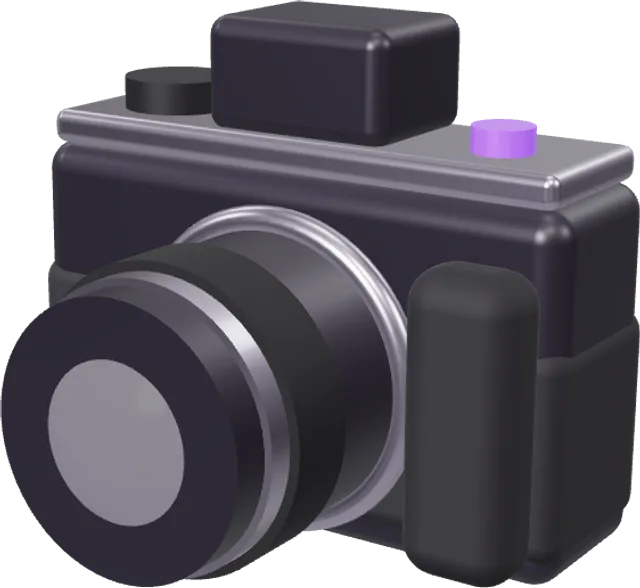
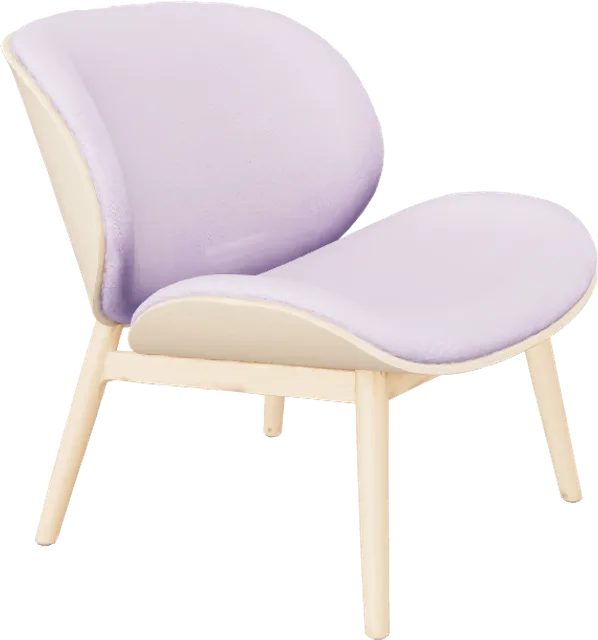
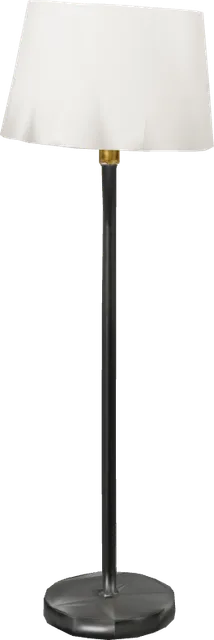
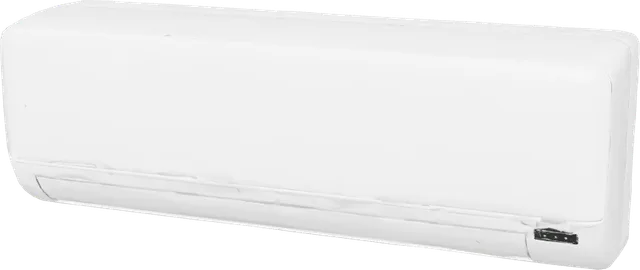
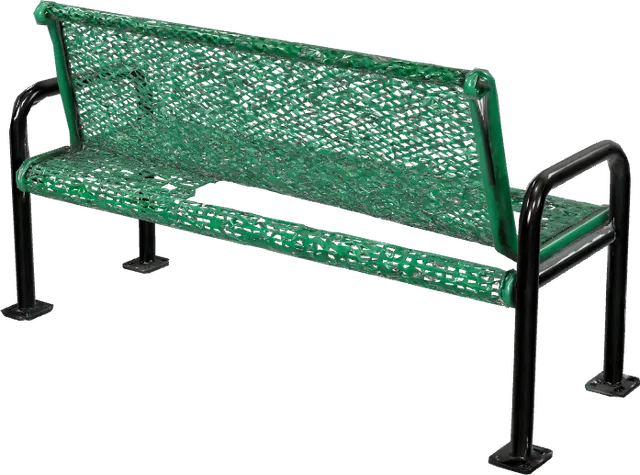
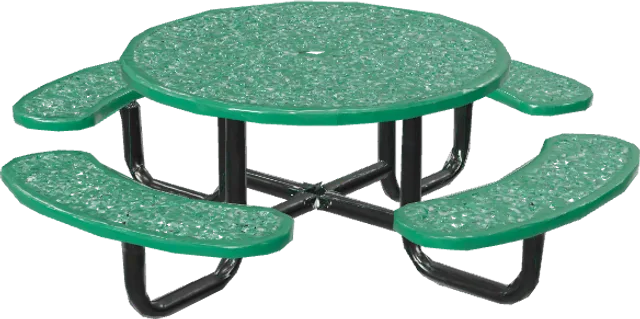
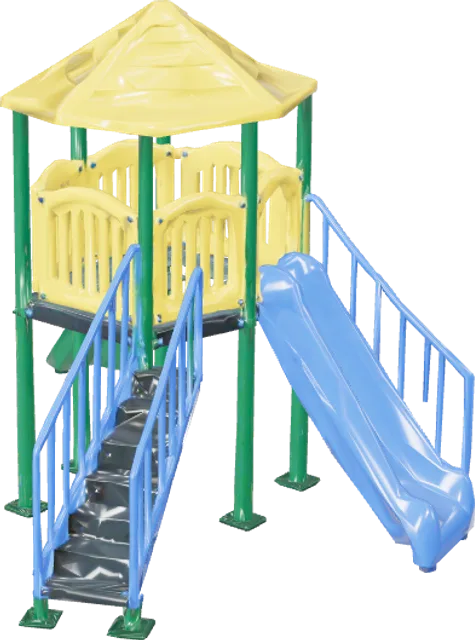
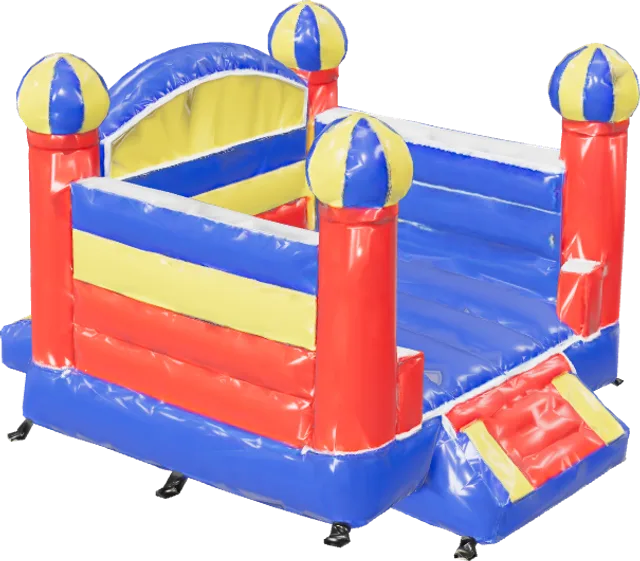
All eight are examples built for this page. None is a client's product, and yours would be modelled from your own files. The same eight, on a page built for a phone.
Counted, not guessed
What your page would learn from this visit.
A 3D World tracks which scenes people reach, what they pick up and what they choose, so you know which part of the story sells. This is your own visit so far, counted live in this browser. The owner only ever sees totals, never names.
- Scenes reached
- 0 of 7
- Time spent turning it
- Not yet
- Finish you chose
- Not tried
- Notes opened
- 0 of 3
- Worlds seen
- 0 of 4
- Time on this page
- 0 s
And how this page ran on your device
- 3D frame rate
- Measuring
- Downloaded so far
- Measuring
- Before the 3D arrived
- Measuring
Picture yours
Made for things people want to touch first.
Pick the one closest to you. Each is an example storyboard, written for this page; yours gets written with you in week one.
⟲ Drag to turn it
Example model, made for this page
- 01
The plot
The site from above, at the hour it gets its best light.
- 02
The plans rise
Your floor plans stand up into walls, one storey at a time.
- 03
Cut through
The building sliced open, so buyers see how the units stack.
- 04
Pick a unit
Tap one to see its layout, its size and which way it faces.
- 05
Finishes
Swap between the kitchen and floor packages you actually offer.
- 06
The view
Stand on the balcony while the day turns to evening.
- 01
The piece
Your chair or sofa turning slowly under studio light.
- 02
How it is made
Frame, springs, foam and cover, taken apart in order.
- 03
Your fabrics
Every fabric and leg finish you sell, one tap each.
- 04
Scale
Set beside a person and a doorway, so size is never a guess.
- 05
In a room
A living room, then a cafe, then a hotel lobby.
- 06
In their room
Opened in AR on their own floor before they order.
- 01
Drawn in
The device sketching itself onto a blueprint.
- 02
Inside
Exploded along its real axes, every part labelled.
- 03
How it works
One process shown moving: the airflow, the signal, the charge.
- 04
Hand it over
Turn it, press the buttons, change the colour.
- 05
Where it lives
On a desk, in a van, on a factory line.
- 06
Compare
The range side by side, the numbers pinned to each model.
- 01
Arrival
The walk in from the drop-off, the way a guest sees it.
- 02
The rooms
Each room type, furnished, with its size and its view.
- 03
The ballroom
Set for a wedding, then for a conference, in the same scroll.
- 04
Seating
Banquet, theatre and cocktail layouts, switched in place.
- 05
Day to night
The pool at noon, the rooftop at dusk.
- 06
Enquire
The form waits at the end of the tour, with the room they liked.
- 01
On the line
Your machine in the kind of plant it is built for.
- 02
The process
Material goes in, the steps play out, product comes out.
- 03
The difference
The parts that make it faster or safer than what it replaces.
- 04
Options
Configurations and add-ons, swapped in place.
- 05
Service
Which panels open and what gets replaced, and how often.
- 06
Talk to sales
The enquiry arrives with the configuration they built.
- 01
The object
An artefact from the collection, turning under gallery light.
- 02
Up close
The marks and repairs the display case hides.
- 03
How it was made
The steps that made it, played in order.
- 04
Where it came from
Back in the place and the time it was used.
- 05
Handle it
Visitors turn it themselves, with notes pinned to the details.
- 06
Take it home
Opened in AR on a classroom desk.
How it goes
From your files to launch in 5 to 8 weeks.
-
01Week 1
Your files and one call
I go through what you have (CAD, plans, photos) and we agree what the page must prove to the people who land on it.
-
02Week 1 to 2
The script
Scene by scene: what the camera sees, what people can touch, and the words. You scroll a grey version before anything is textured.
-
03Week 2 to 4
Models from your files
Cleaned, lightened for phones and textured to match your real finishes, then checked against your drawings.
-
04Week 3 to 6
Scenes and light
The rooms, the site, the time of day. Each scene is built to hand over to the next without a cut.
-
05Week 4 to 7
Interaction and words
Turning, finishes, pinned notes, the enquiry form, and tracking for every scene so you see where people stop.
-
06Week 6 to 8
Phone test and launch
Tuned on real phones, lighter on older ones, then live on your domain with 30 days of fixes.
What to send
What I need from you.
Nothing needs to be tidy. Send what you have and I'll tell you what it can become.
- CAD or 3D files (STEP, IGES, OBJ, FBX, GLB, SolidWorks, Fusion, Rhino), or
- Floor plans and elevations for a building or space, or
- Photos from every side (10 to 30) if there are no files
- Your finishes: colours, materials, any options people can choose
- The one thing people should understand by the end
- Your logo, fonts and any copy you want kept
Prices, in SGD
Fixed prices, written down.
A 3D World is quoted from $9,915 after a look at your files, because the number depends on how many scenes there are and how clean the files are. Half upfront, half when you sign off.
Story Proposal
$1,015
1 week
See the story and a rough model working before you commit.
- One call and a look at your files
- The scene-by-scene script
- A grey version you can scroll
- Full fee credited if you go ahead
Scroll Story
$3,845
2 to 3 weeks
Layered art and a film on the scroll, no real-time 3D.
- 4 to 6 scenes
- Parallax art and one scrubbed film
- Copy and enquiry form
3D Story
$5,860
3 to 5 weeks
One real-time 3D scene, modelled for you.
- 6 to 8 chapters
- One 3D scene
- Copy, form and chapter tracking
- 30 days of fixes
3D World
from $9,915
5 to 8 weeks
What this page is: several scenes, things people can handle, models from your files.
- Several scenes or a walk-through
- Models built from your CAD files, plans or photos
- Pieces people can turn, open and restyle
- Exploded views and pinned notes
- Your models in AR on phones ("view in your room")
- Copy, enquiry form and scene tracking
- 30 days of fixes after launch
Playable World
from $18,185
6 to 9 weeks
They walk a character through it, with something to do at each place.
- Five places, each with its own thing to do
- A story that runs start to finish
- Tap to walk, on every device
Questions
Before you ask.
What is an immersive 3D website?
A web page where people explore a real-time 3D version of your product or place: they turn it, open it, see it in a room and move between scenes, all in the browser with nothing to install. It is sometimes called an immersive web experience, a 3D product website or a virtual walk-through. This page is one.
How much does an immersive 3D website cost?
A 3D World starts from $9,915 SGD. The final number depends on how many scenes there are and how clean your files are, so I quote it after looking at them. If you want to see it working first, the Story Proposal is $1,015 and is credited in full if you go ahead.
Can people see the product in their own room?
Yes. The models made for your page also open in augmented reality on iPhones and most Android phones, at their real size, so people can stand it on their desk or floor before they buy. It is included in a 3D World. Try it with the camera and the chair on this page.
What files do you need?
CAD or 3D files are best: STEP, IGES, OBJ, FBX, GLB, or native SolidWorks, Fusion or Rhino files. For a building, floor plans and elevations. With no files at all, 10 to 30 photos from every side are enough to model most objects.
Can you really build a model from photos?
Yes, for most objects. The chair in the showroom on this page was reconstructed from a single photo, then compressed to under 0.5 MB. Engineering-grade accuracy needs CAD files; photos are right for furniture, décor and anything organic.
How is this different from a 3D Story page?
A 3D Story is one scene told in chapters. A 3D World has several scenes, models built from your own files, and parts people can handle: turning, opening, choosing a finish. If you only need pictures that move, a Scroll Story is lighter still.
Will it work on phones?
Yes. Models are lightened for phones, the page checks what each device can handle and steps its quality down as needed, and every word is ordinary text that loads first. It is tested on real phones before launch.
Can people choose colours or configure the product?
Finishes and simple options, like the swatches on this page, are part of a 3D World. A full configurator with pricing rules and a checkout is a bigger build and is quoted on its own.
Is it good for SEO and Google Ads?
Every heading and paragraph is real HTML that loads before the 3D, so Google reads it like any other page, and it works as an ads landing page because the text and the form arrive first.
Who owns it, and how does payment work?
You own the code, the copy and the models once it is paid for, hosted on your own account. Builds are half upfront and half when you sign off the finished page, in SGD.
Your world
Your world, next.
Tell me what you make and what files you have. I'll reply within a working day with what it could become and which option fits. That first look is free.
Or email hello@terris.sg.